Difference between revisions of "Gallery"
Jump to navigation
Jump to search
m |
m |
||
| Line 4: | Line 4: | ||
[https://naga.icesus.org/gallery/ Icesus Player Gallery] | [https://naga.icesus.org/gallery/ Icesus Player Gallery] | ||
| + | |||
| + | Create an user account with a username that matches your Icesus primary character name. Any account which does not have a matching player in Icesus will be deleted as a bot account. | ||
= How to add photos = | = How to add photos = | ||
| + | |||
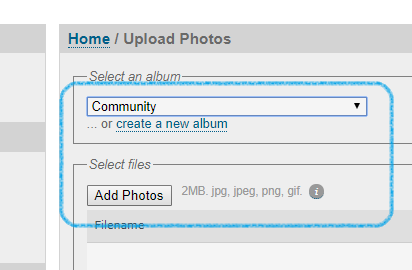
| + | "Community" is the album in which you have default privileges to upload to. For more private privileges, type the following in icesus: | ||
| + | |||
| + | <pre> | ||
| + | accounts I want access to/my own album in Gallery. | ||
| + | </pre> | ||
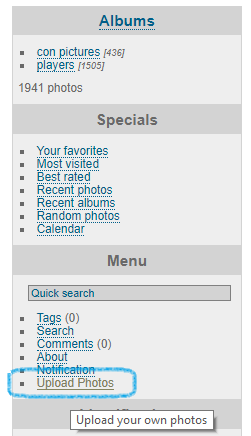
[[File:Piwigo click upload photos.png|left|Click on upload photos.]] | [[File:Piwigo click upload photos.png|left|Click on upload photos.]] | ||
Revision as of 16:36, 2 July 2019
This page contains Icesus Player Gallery howto.
The Icesus Player Gallery can be found from here:
Create an user account with a username that matches your Icesus primary character name. Any account which does not have a matching player in Icesus will be deleted as a bot account.
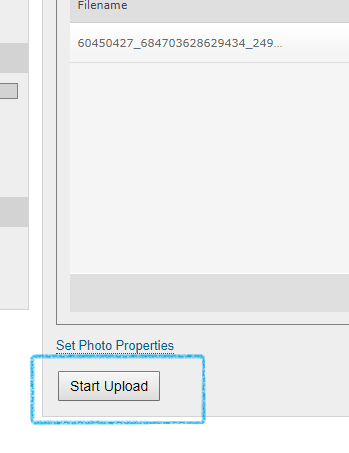
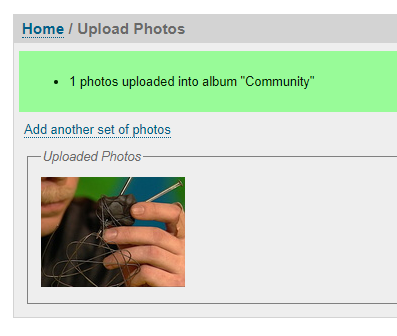
How to add photos
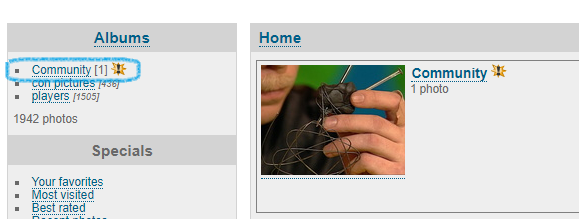
"Community" is the album in which you have default privileges to upload to. For more private privileges, type the following in icesus:
accounts I want access to/my own album in Gallery.


